Introduction
I updated my Auto Arch and Hyprland scripts to make installing Arch less annoying. I thought about merging them into one giant script, but decided to keep them separate. Now, the auto-arch script just automatically clones my hyprland dotfiles into your home directory at the end, so you get the OS and the rice in one go.
Changes in auto-arch
-
Instead of 3 scripts for install, chroot, postinstall, I have combined them as one script. The script now
- Formats partitions
- Mounts partitions
- Installs packages
- Chroots into system and does post installation configurations
- grub installation etc
-
In the end it clones
hyprland-dotfilesrepository in the$HOMEdirectory of the user which can be used after robooting the system.
Changes in hyprland-dotfiles
- changes in waybar config and styling (removed redundant code)
- moved rofi -> wofi
- some script imporvements
This is what the setup looks like now
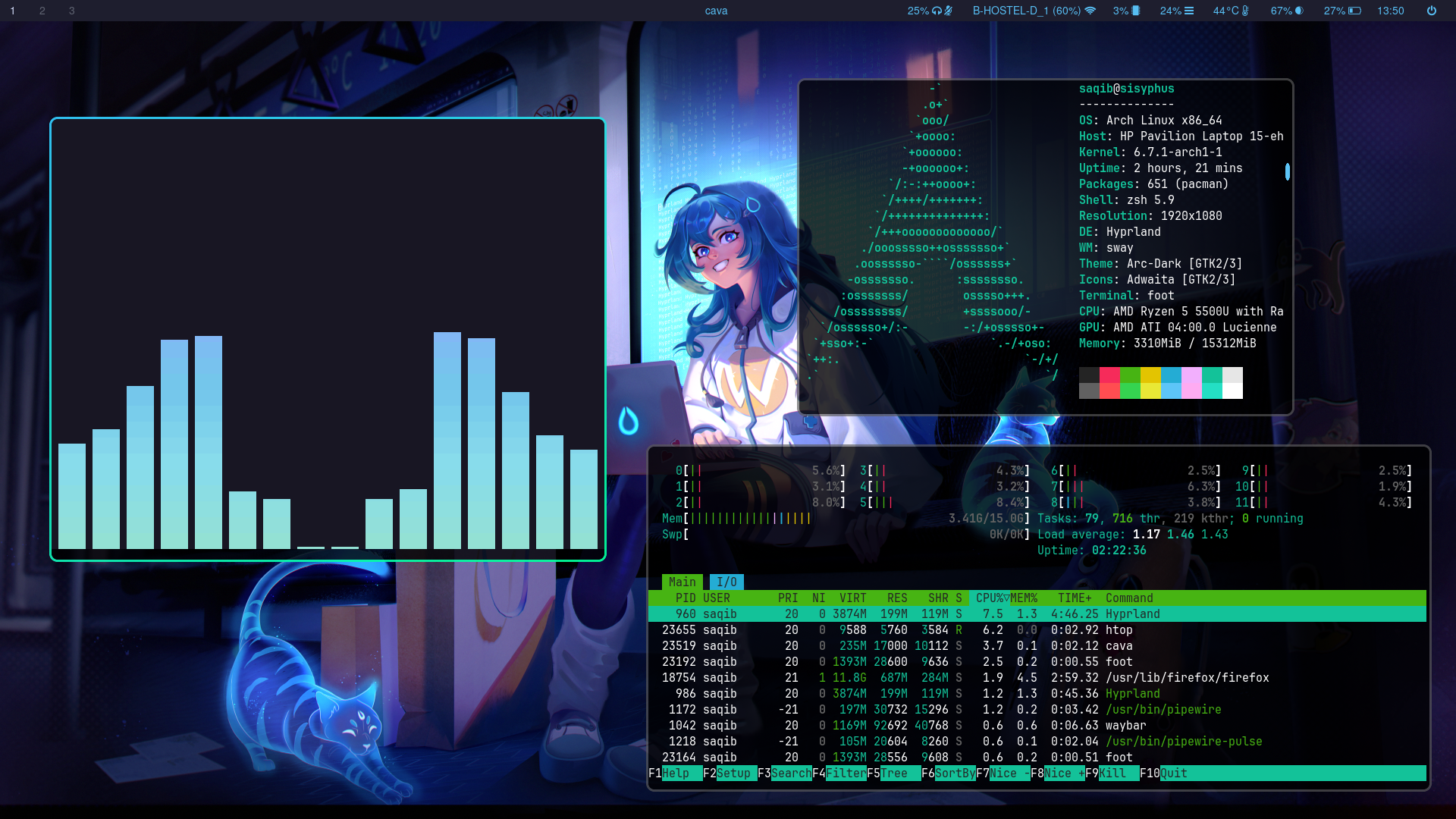
What the installation looks like now
This is the typical workflow if you want to install arch linux with my version of hyprland
- Step 1:
git clone https://github.com/saqibmir1/auto-arch.git
bash auto-arch/arch-install.sh
Step 2:
rebootStep 3:
Login as user and run the install-hyprland script to install hyprland and deploy my dotfiles.